


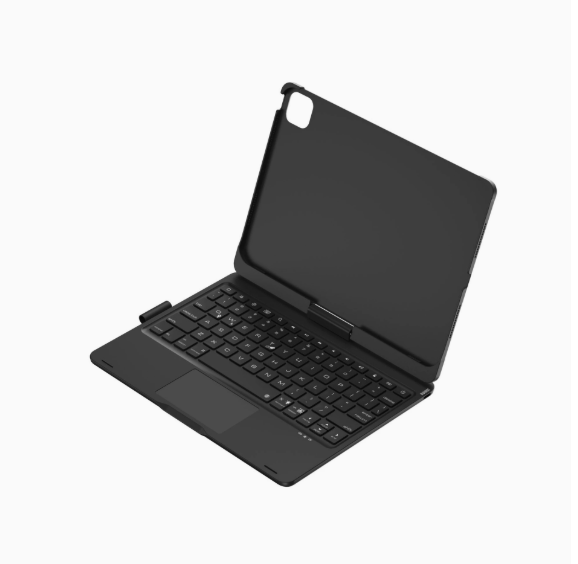

Vollansicht
Ähnliche Gegenstände
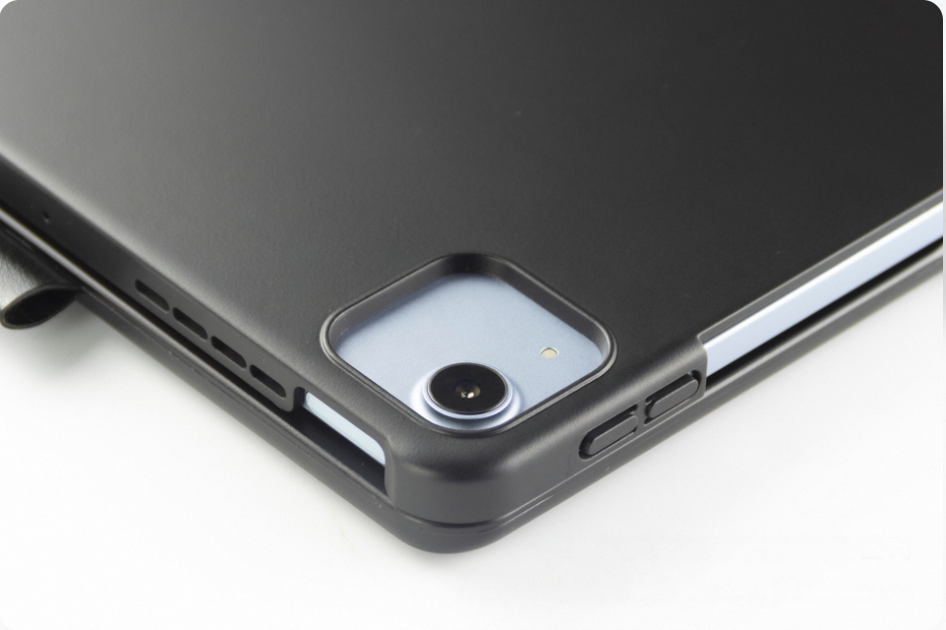
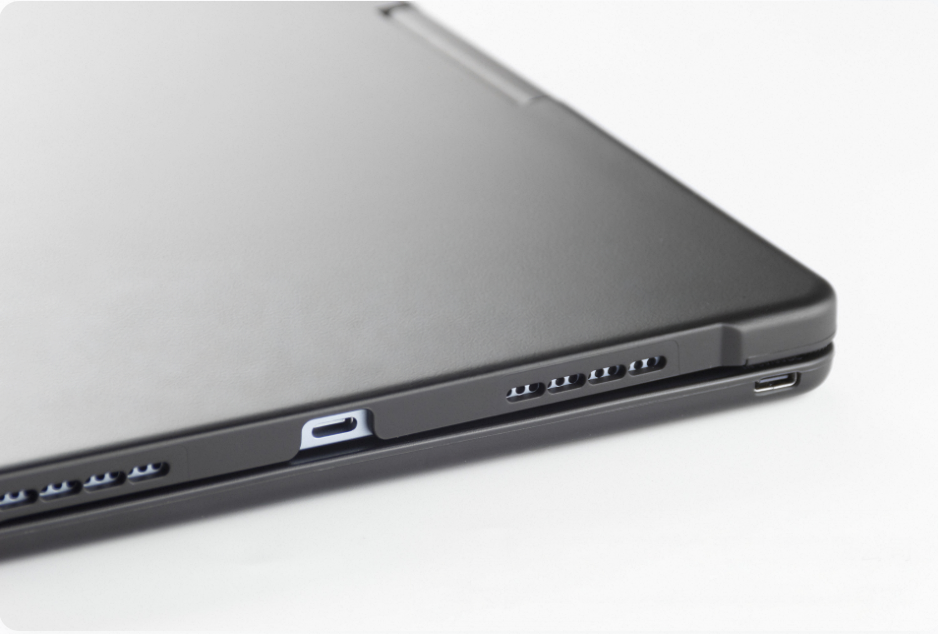
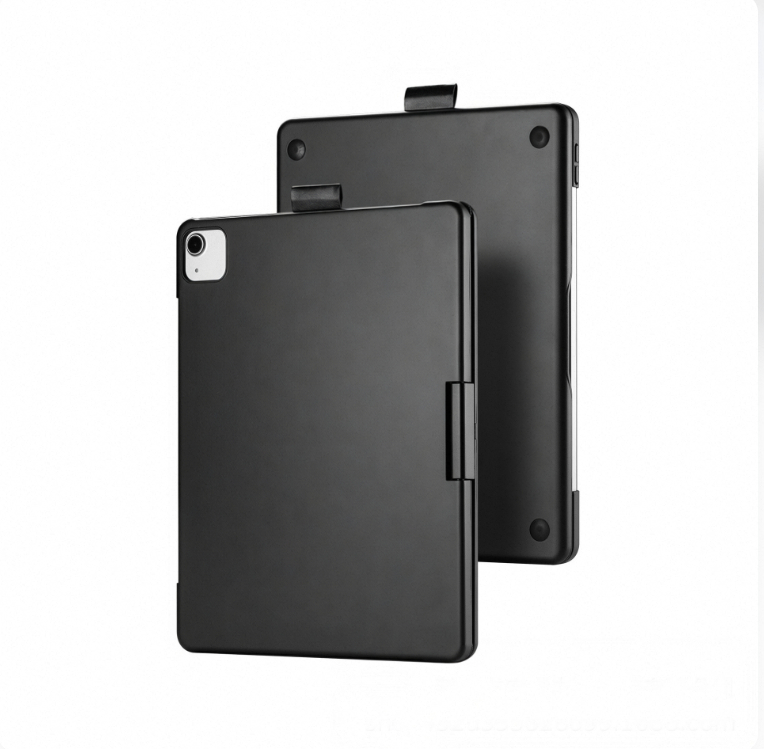
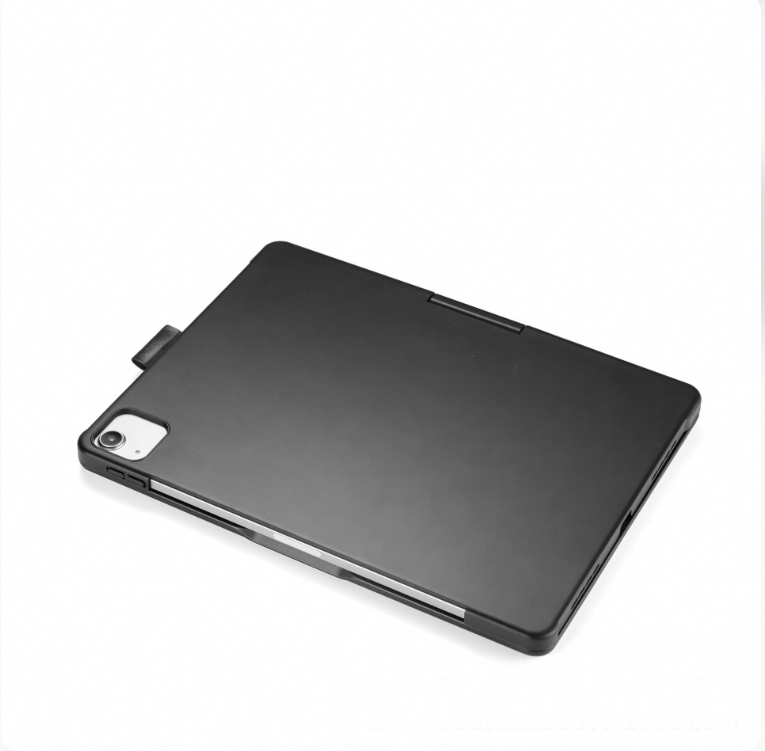
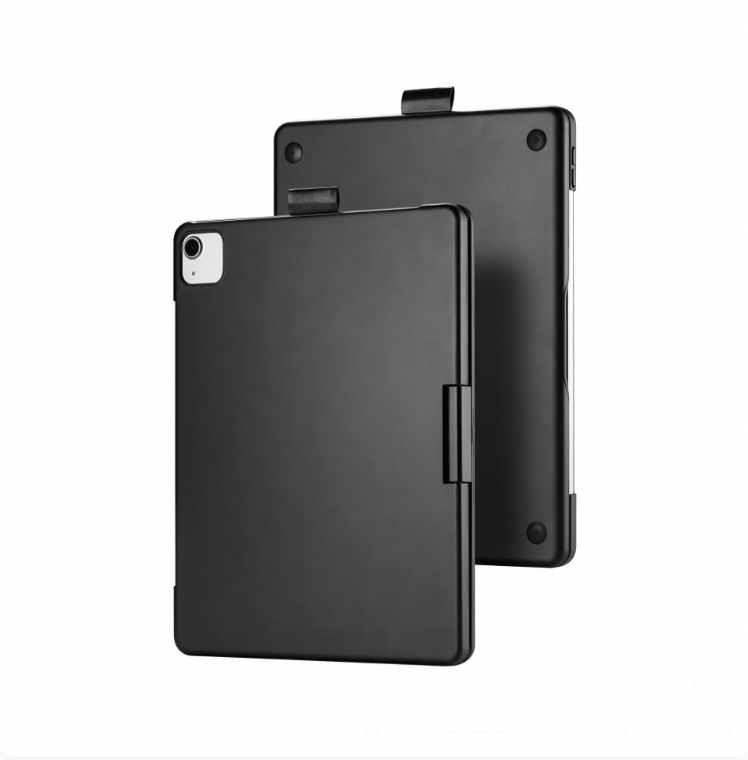
Die drehbare Hülle ist geeignet für das Air 13 Zoll, das iPad der 11. Generation mit Hintergrundbeleuchtung und das Magic Keyboard Mini 7.
73,19€101,67€
Farbe : 1) iPad der 11. Generation A


Menge :

Bericht
Urheberrechtsverletzungen einschließenKostenlos Standardversand. Siehe Einzelheiten
Geschätzt zwischen Sat, Jul 18 und Wed, Jul 22
Sie können das Produkt innerhalb von 30 Tagen nach Erhalt zurückgeben. Siehe Einzelheiten
Sorgenfrei einkaufen

Geld-Zurück-Garantie
Erhalten Sie den bestellten Artikel oder Ihr Geld zurück. Mehr erfahren
Über diesen Artikel
Quelle: NeoGadget
Der Verkäufer übernimmt die volle Verantwortung für dieses Angebot.Artikelnummer: 39456566
Artikelspezifikationen
Zustand
Neu
Artikelbeschreibung vom Verkäufer
Product Specifications
1. Operating distance: 10m
2. Modulation system: GFSK
3. Operating Voltage: 3.3~4.2V
4. Charging current: 250mA
5. Standby time: 60 days
6. Continuous working time
5 hours (backlight on)/300 hours (backlight off/touch off)
7. Lithium battery capacity: 500mAh
8. Charging time: 3 hours
9. Keyboard lifespan: 5million times 10. Operating temperature: -20~50℃11. Charging temperature: 0~45℃
Packing Information
A: iPad 10.9/ 11inch
1. Single item weight including packaging: 866g
2. Packaging dimensions: 28.5X20.7X2.8cm
3. Box dimensions: 61.5X29.5X22cm 20 pieces per box
4. Gross weight: 19.12kg
B: iPad 7/8/9 generation 10.2inch
1. Single item weight including packaging: 817g
2. Packaging dimensions: 28.5X20.7X2.8cm
3. Box dimensions: 61.5X29.5X22cm 20 pieces per box
4. Gross weight: 19.12kg
C: iPad 13inch
1. Single item weight including packaging: 1445g
2. Packaging dimensions: 32X25.5X3cm
3. Box dimensions: 49.4X33.5X27.2 15 pieces per box
4. Gross weight: 12.7kg
D: iPad mini6/7 8.3inch
1. Single item weight including packaging: 568g
2. Packaging dimensions: 23.7X17.7X2.8cm
3. Box dimensions: 53X26X34 30 pieces/box
4. Gross weight: 18kg
[Bluetooth Connection Steps]
1.Press and hold the power button to turn on the power switch, then press the Fn and C keys to search for Bluetooth (Note: Do not plug in the charging cable when searching for Bluetooth, as it is difficult to connect to Bluetooth while charging)
2.Open the tablet, go to Settings, turn on Bluetooth and add devices, then click on the Add Device tab.Search for nearby devices - [Search for Bluetooth keyboards with a keyboard icon] and click connect.
3.The tablet screen displays a message [Bluetooth pairing request, click on Bluetooth keyboard], you can complete the Bluetooth connection


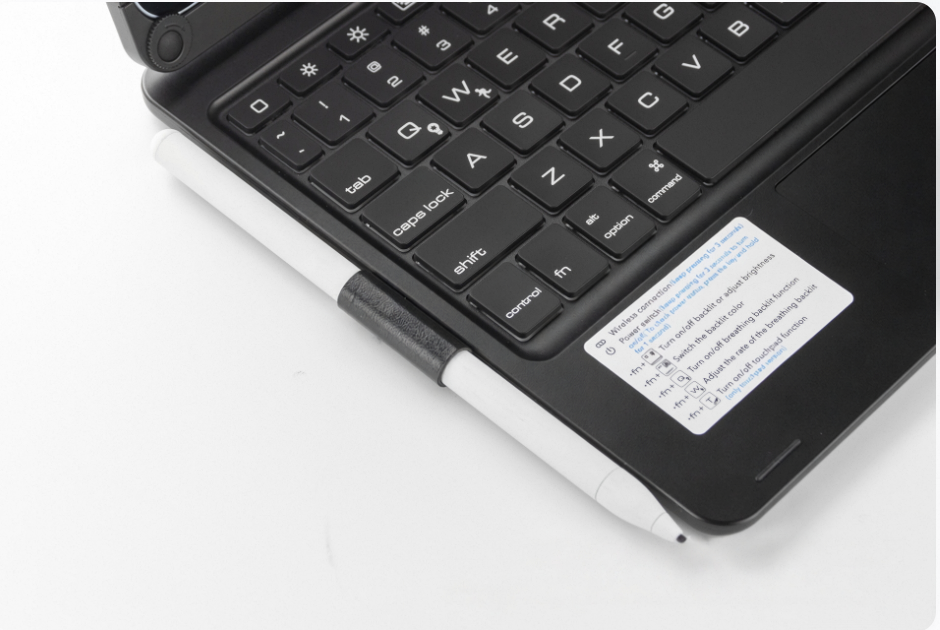
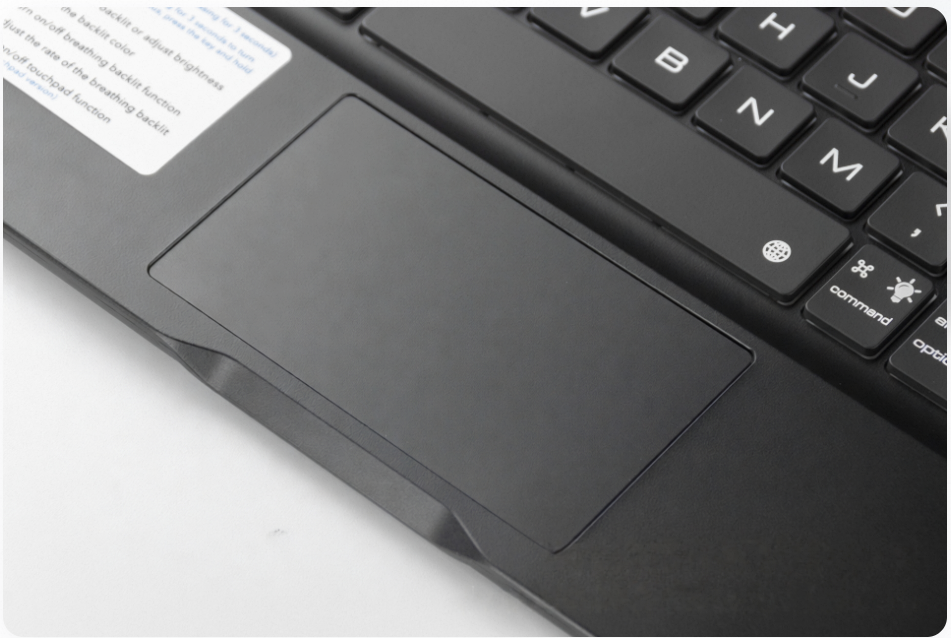
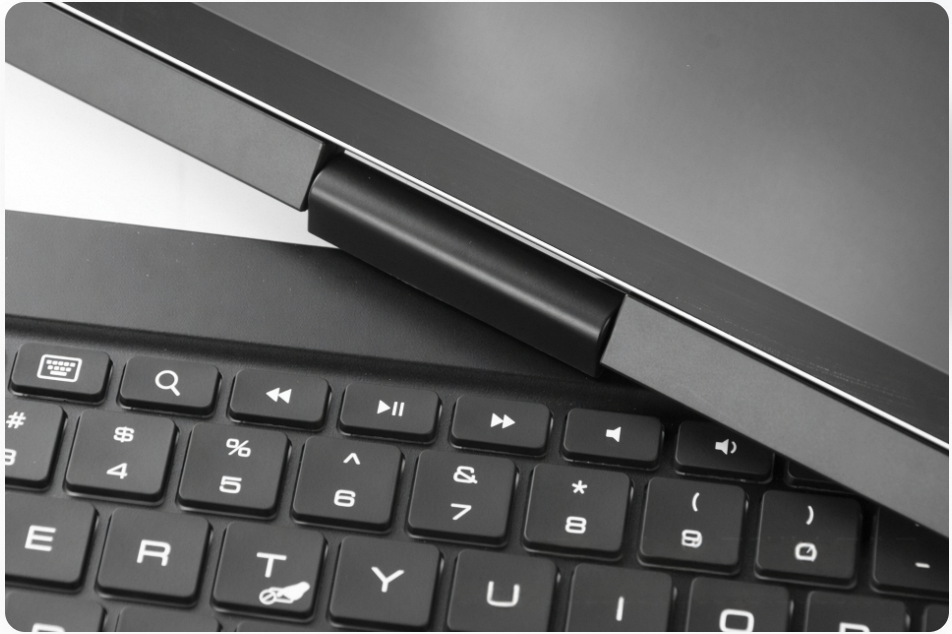
Videos
Videos zu diesem Produkt
