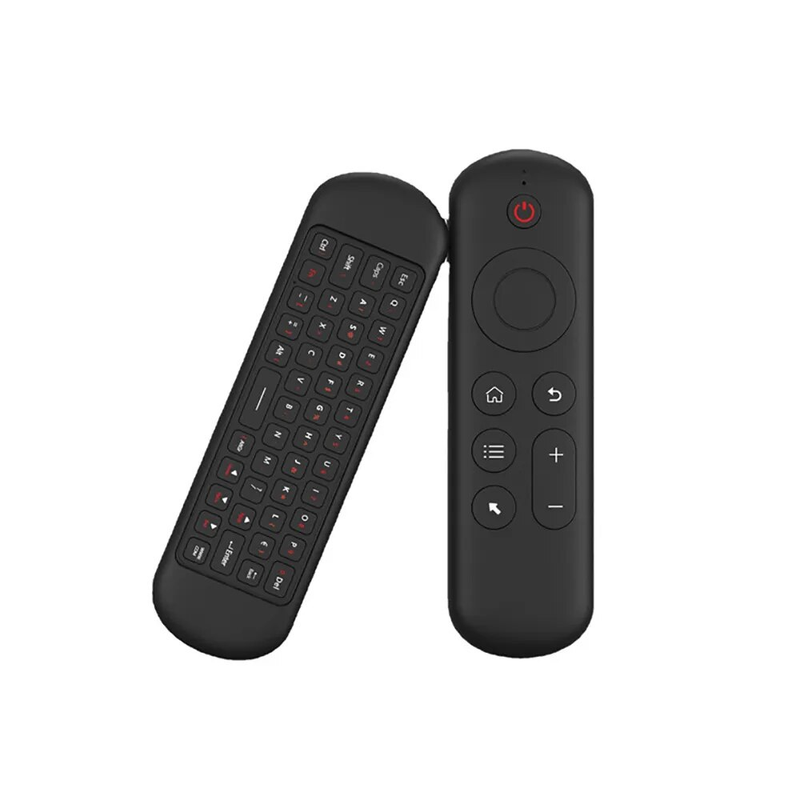
Vollansicht
Ähnliche Gegenstände
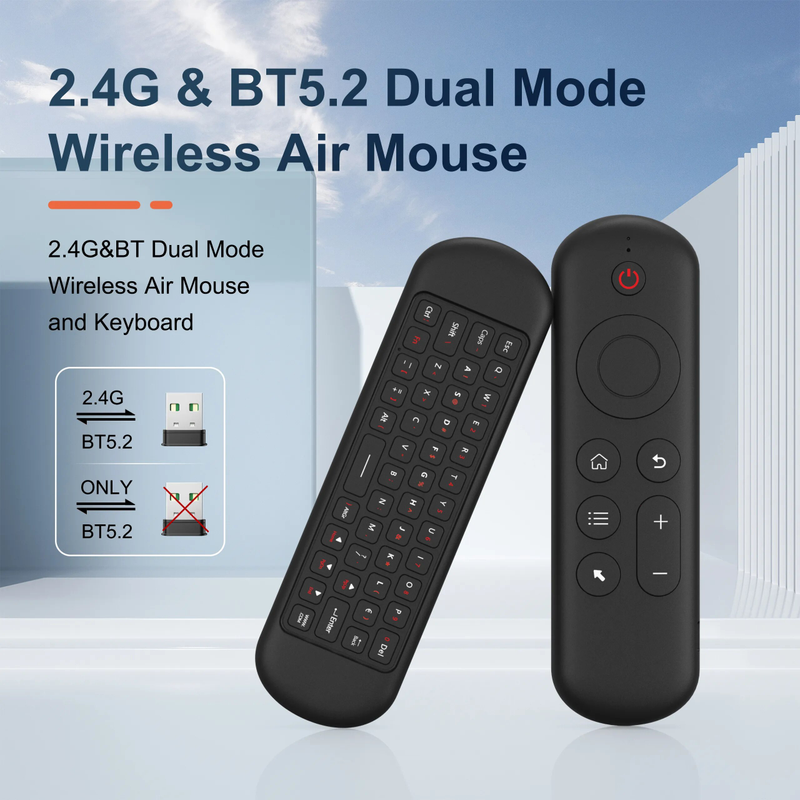
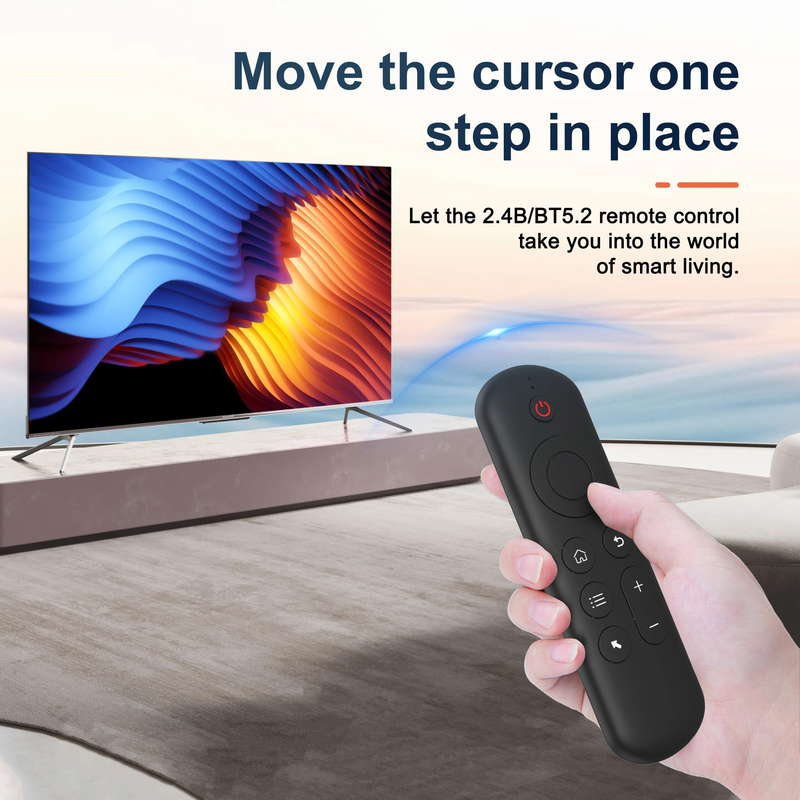
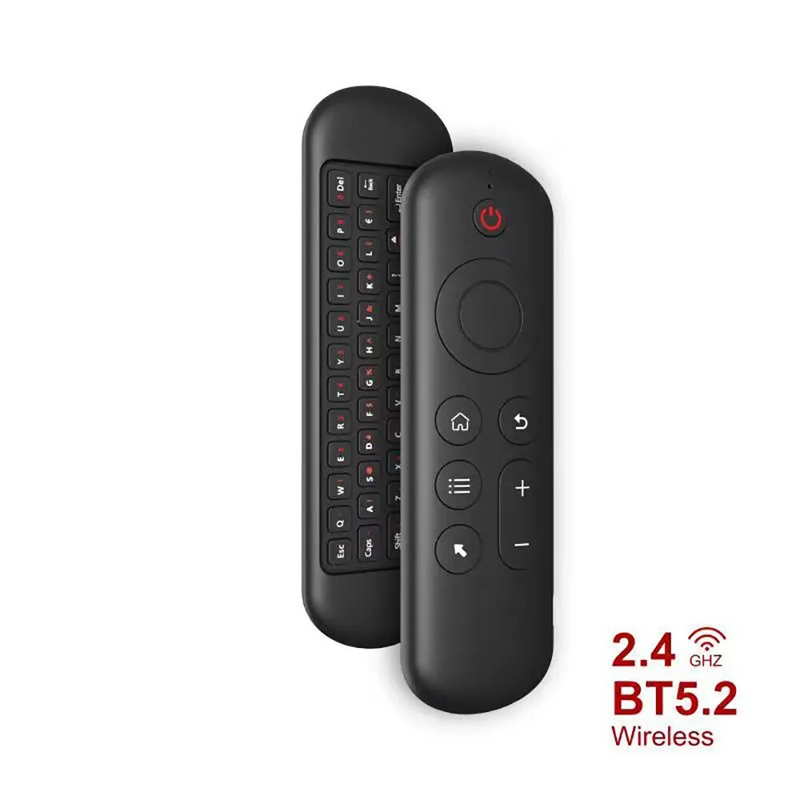
Kabellose Air Voice Mouse 2-in-1 2,4-GHz-Bluetooth-Mini-Tastatur, wiederaufladbare Fernbedienung mit IR-Lernfunktion für Smart-TVs und Android-TV-Boxen
29,01€41,61€
Farbe : M5 Tastatur


Menge :

Bericht
Urheberrechtsverletzungen einschließenKostenlos Standardversand. Siehe Einzelheiten
Geschätzt zwischen Thu, Jul 16 und Tue, Jul 21
Sie können das Produkt innerhalb von 30 Tagen nach Erhalt zurückgeben. Siehe Einzelheiten
Sorgenfrei einkaufen

Geld-Zurück-Garantie
Erhalten Sie den bestellten Artikel oder Ihr Geld zurück. Mehr erfahren
Über diesen Artikel
Quelle: Chunhui Yin
Der Verkäufer übernimmt die volle Verantwortung für dieses Angebot.Artikelnummer: 39295686
Artikelspezifikationen
Größe
In voller Größe
Schlüsselart
Mechanische Schalter
Schaltertyp
Linear
Kompatibilität
Windows, Android
Verbundene Geräte
1
Beleuchtete Tasten
Nein
Konnektivität
Bluetooth
USB-Typ
USB-A
Leistung
ohne Hintergrundbeleuchtung
Logi-Optionen
Nein
Artikelbeschreibung vom Verkäufer
Specification:
Wireless Communication: 2.4G and Bluetooth
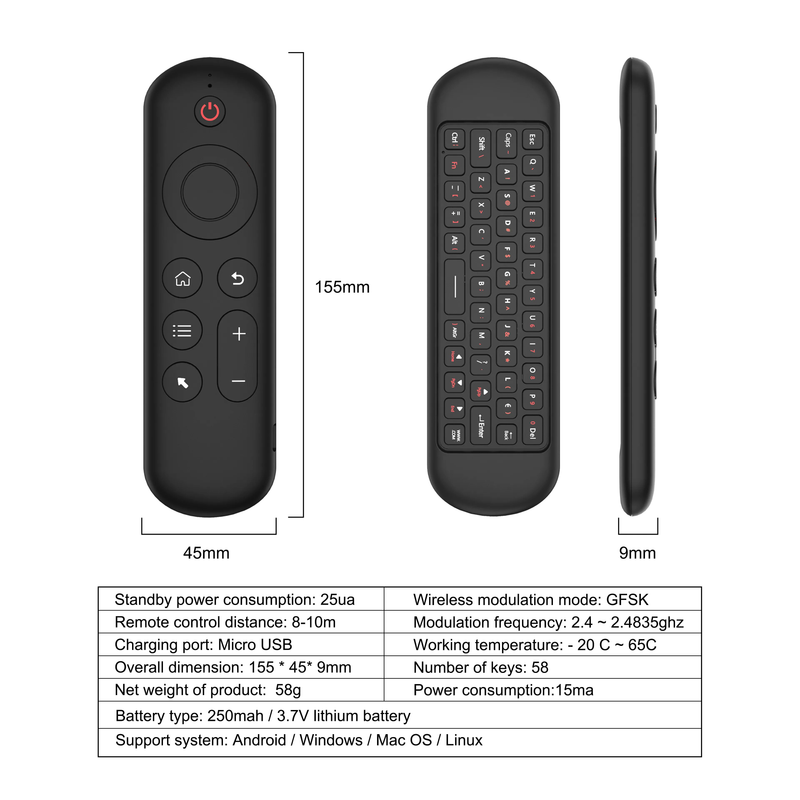
Modulation frequency: 2.4-2.4835GHz
Operating temperature: - 20 ℃ - 65 ℃
Battery type: 400mAh/3.7V lithium battery
Number of keys: 58
Remote control distance: > 10m/32.8ft
Charging port: Micro USB
M5 Mini Keyboard:
2 . 4G MODE:
For initial use , plug a USB receiver into the USB port of device and waitfor 20-60 seconds to install driver of USB receiver . Move the mousethe mouse cursor can move on the screen means that pairingis successful
if it is unsuccessful , press and hold [ OK and [ BACK ] buttons , LED light begin to flash . Pairing is successful when LED light stop flashing
BT 5.0 MODE:
1 . Before using this device , first you must turn on the BT function of thelain device
2 . Then long press " OK + Return keys , when the LED turns to flashhe product enters the pre pairing
3 , Click add search new devices on the main device to find this airemotes name ( Example : BT-REMOTE ) . Click the name can to connecting
4 . After the product is successfully connected , the direction of themouse pointer can be controlled by waving in the air
5 .If the connection is not successful , please perform the operationsteps of item 2-4 again
6 . Reconn ent efficiency description : The normal reconnent time of thiproduct is 3-5 seconds after it is normally paired with themain equipment
7 . This product can only remember the pairing information of one maindevice , when the product is connected to a new device , theconnection of historical devices is not supported after
8 . in this case . you need to delete the historical connection informationof this peripheral can be successfully matched for new search
CPIADJUSTMENT
CPI ( Count Per Inch ) . Speed of the Mouse Cursor
Adjustment ( 3 Levels ) , 1 , 2 , 3 Level . The higher the level , the faster the speed . The default speed isset at level 2
1 . Speed Increase
Press OK button + Volume + ] button for about 3seconds , the work indicator flashes quickly and thengoes off , release the button , CPI on the basis of theoriginal increase 1 level
2 . Speed Decrease
Press [ OK ] + olume - for about 3 seconds , thework indicator flashes quickly and then goes off ,release the button , and CPI is reduced by 1 level onthe basis of the original